Rent, bills and requests. One place.
Noox replaces the WhatsApp groups and spreadsheets: tenants pay rent and service charge from their phone, sign their agreement and send requests, and you see every naira land in each property's wallet.
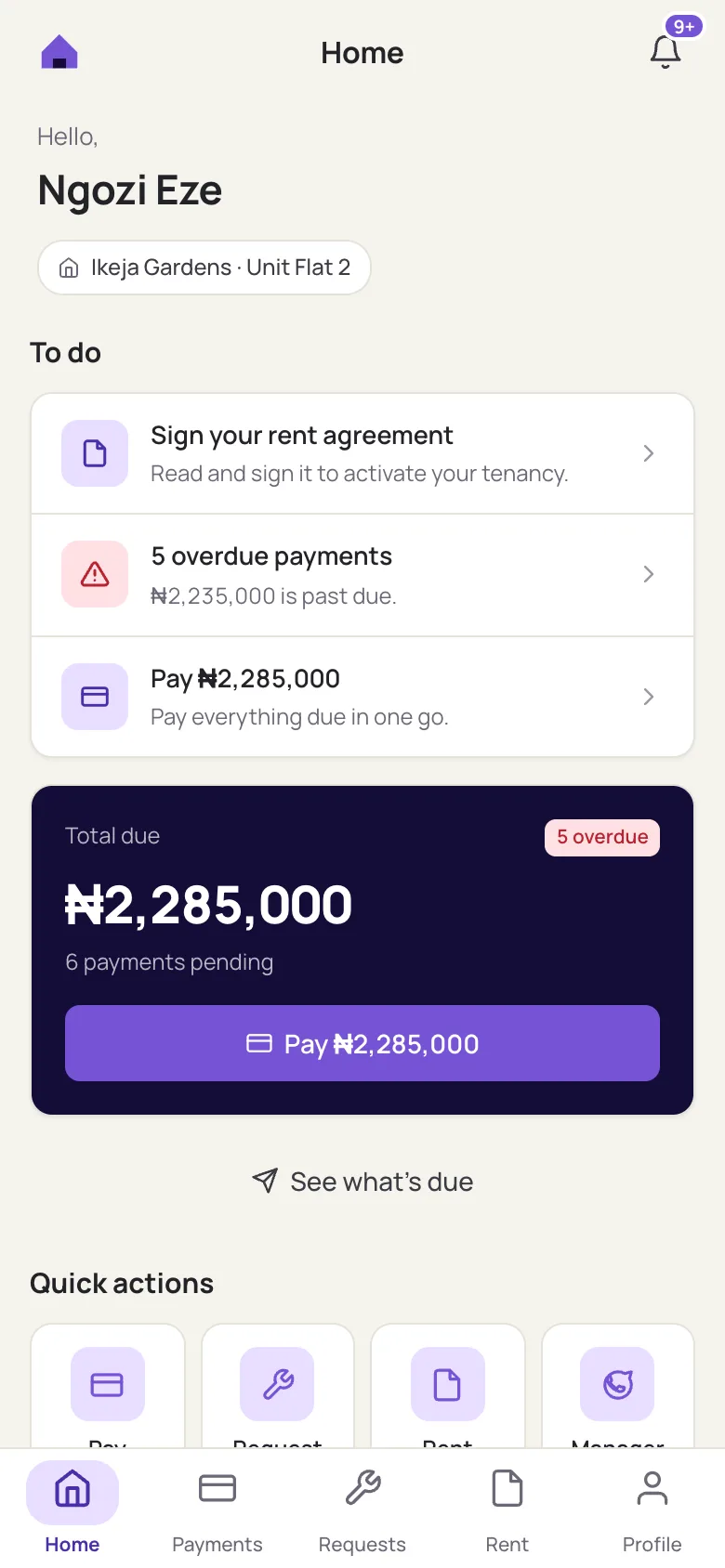
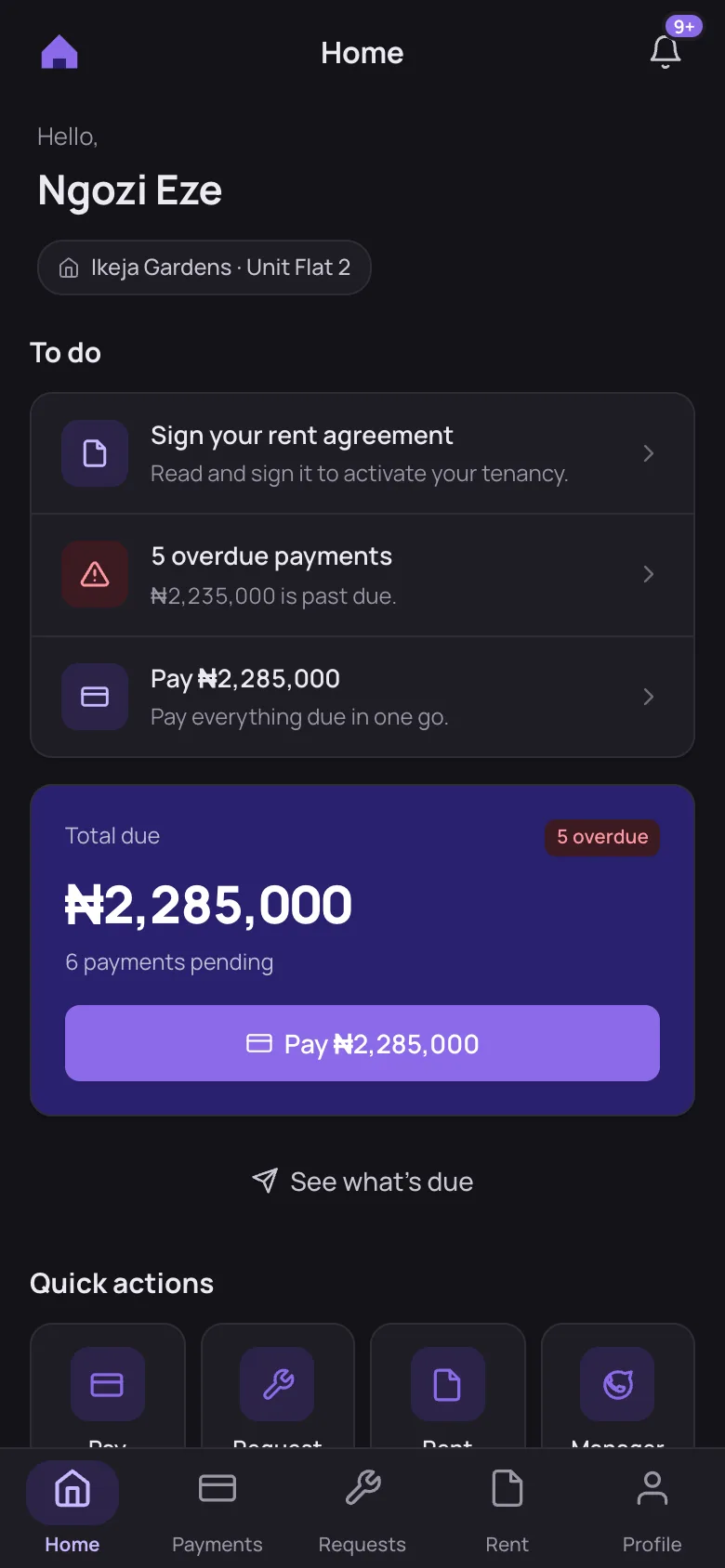
Built for the manager and the tenant
Managers run their portfolio from the Noox dashboard. Tenants get a simple app on their phone — no more chasing receipts on WhatsApp.
For property managers
- Bill rent, service charge, legal and caution fees — fixed amounts or a % of rent
- Every payment lands in the right property wallet, by category
- Automatic reminders before due dates and when bills go overdue
- Finance reports, arrears and a full activity log
For tenants
- See exactly what’s due and pay it all at once
- Read and sign the rent agreement on your phone
- Report an issue or request a fix, and follow its progress
- Receipts for every payment, in one place
Everything a rent cycle needs
Online rent collection
Tenants pay by bank transfer or card. Noox confirms the payment and marks the bill paid — no screenshots to check.
Charges that add up
Set rent and extra charges per unit. Noox shows the first-year total before you create a rent, and bills recurring charges for you.
Agreements, signed
Upload the agreement; the tenant reads it, signs with their name and a photo, and you confirm it in one click.
Property wallets
Money is tracked per property and category. Record what was paid outside Noox without mixing it into the wallet.
Reminders that go out on time
Due-soon, overdue and rent-ending reminders reach tenants automatically, each with a button straight to pay.
Requests and reports
Tenants report issues or request fixes in their unit or a shared area; you track them by property, unit and tenant.
Up and running in 3 steps
- Step 1
Add your properties
Create properties and units, set the rent and the charges each unit carries.
- Step 2
Invite your tenants
Each tenant gets an invite, sets up their account and sees their rent and bills.
- Step 3
Collect and track
Tenants pay in the app; you watch payments, arrears and requests from one dashboard.
See Noox with your own properties
We'll set up a property with you, invite a tenant and walk through a first rent payment.